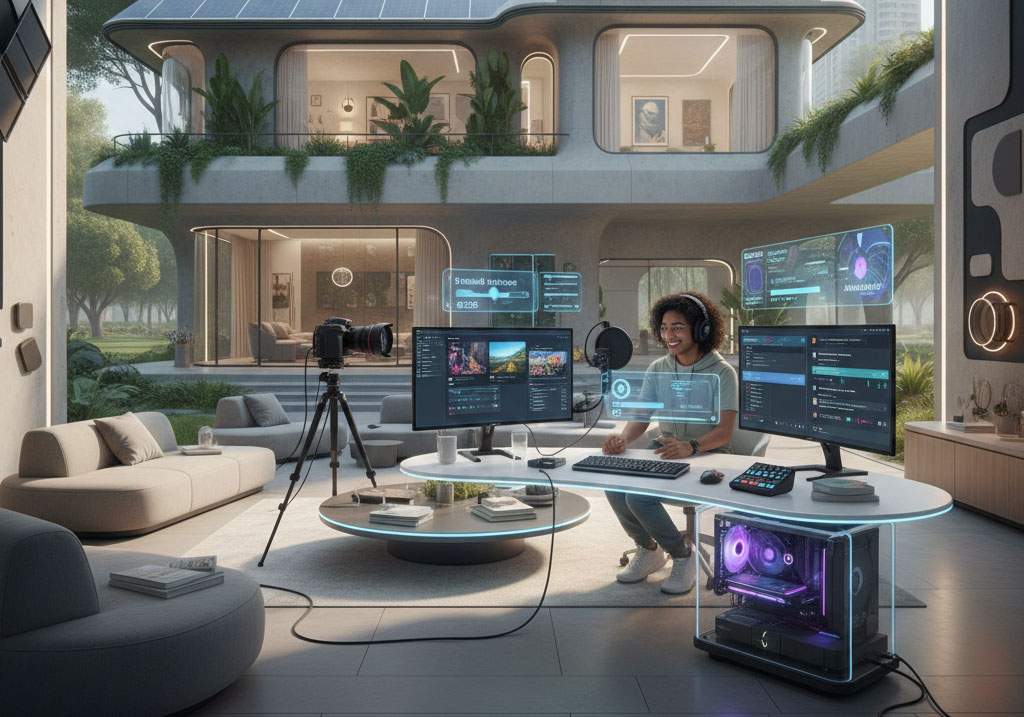
Creating a high-quality live stream from home is a balance between technical stability and viewer engagement. In 2026, the standard has shifted toward 1080p 60fps as a baseline, with a heavy emphasis on AI-driven tools and high-stability protocols.
Here are 20 essential things you need for a professional-grade home live stream:
Engagement Strategy: A good stream isn’t just tech; have a plan for how you will interact with chat and a list of talking points to avoid dead air.
High-Speed Upload Bandwidth: For a stable 1080p stream, you need at least 10 Mbps upload. If you plan to multistream to multiple platforms simultaneously, aim for 25 Mbps+.
Wired Ethernet Connection: Wi-Fi is prone to jitter and signal drops. A physical Cat6 or Cat7 cable is non-negotiable for professional reliability.
Multi-Core Processor: Your computer needs to handle the content, your streaming software, and your browser. An Intel i7 (12th Gen+) or AMD Ryzen 7 (5000 series+) is recommended.
Dedicated Graphics Card: Use a card with a dedicated hardware encoder, like the NVIDIA RTX 40-series. This allows the GPU to handle video encoding, freeing up your CPU for other tasks.
Sufficient RAM: 16GB is the minimum, but 32GB DDR5 is the 2026 sweet spot for handling complex overlays and multitasking without stutters.
Clean Video Source: While a 4K webcam works, a Mirrorless Camera with a Clean HDMI output and a dummy battery provides the best depth of field.
HDMI Capture Card: If using a DSLR or Mirrorless camera, you need a capture card to convert the camera signal into a USB feed your computer can read.
External XLR or USB Microphone: Audio is more important than video. A dedicated microphone ensures crisp, broadcast-quality sound.
Audio Interface or Mixer: If using XLR mics, you’ll need an interface or a dedicated streaming mixer to manage levels and add real-time processing.
Three-Point Lighting Setup: At a minimum, use a Key Light for your main source, a Fill Light to soften shadows, and a Backlight to separate you from the background.
Streaming Software: OBS Studio remains the gold standard for customization, though browser-based tools are excellent for guest-heavy interview formats.
Modern Encoding Protocols: Use HEVC (H.265) or AV1 encoding if your platform supports it; they provide much better image quality at lower bitrates than older codecs.
Stream Controller: A physical macro pad allows you to switch scenes, mute audio, and trigger alerts without fumbling with your mouse during the broadcast.
AI-Powered Tools: Utilize AI for noise cancellation and auto-framing to keep your audio clean and your face centered even if you move around.
Acoustic Treatment: Use foam panels, heavy curtains, or rugs to reduce echo. A dead room sounds much more professional than a hollow-sounding one.
Intentional Set Design: Whether it is a clean office or a more vibrant aesthetic, your background should be organized and free of distracting clutter.
Second Monitor: This is essential for monitoring your chat, checking your stream health, and managing your broadcast software without tab-switching.
Overlays and Alerts: Use visual tools to add flair, such as recent follower badges or goal bars, which encourage viewer interaction.
Pre-Stream Checklist: Always include a tech rehearsal. Check your sync, test your audio levels against your background music, and verify your stream key.